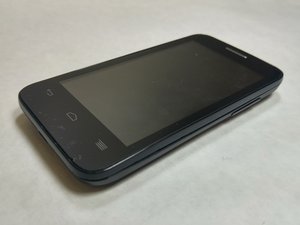

How to wipe internal memory (phone won't turn on)
I would like to wipe or destroy internal memory before recycling the device.
Phone won't turn on after charging for hours. A white LED does turn on whenever I plug in a charger.
I've tried a hard reset (holding power and volume up keys)
When I plug into a computer it doesn't show up as a USB device.
Looking at the inside I'm not able to identify where the internal memory would be (for image of internals, see Alcatel One Touch Evolve 2 Rear Speaker Replacement
It looks like it has 4GBs internal memory according to https://www.gsmarena.com/alcatel_evolve_...

 11
11  398
398  1.5千
1.5千 
reset the device
Asad Ali さんによる